
Select Settings Version Per Shot
You can now choose a specific setting version for each individual shot, giving you more flexibility and creative control without affecting the rest of your scene.
This is especially useful when testing variations or fine-tuning a single shot.
How to Select a Setting Version for a Shot
Step 1: Select a Shot
In the Storyboard, click on the shot you want to edit.
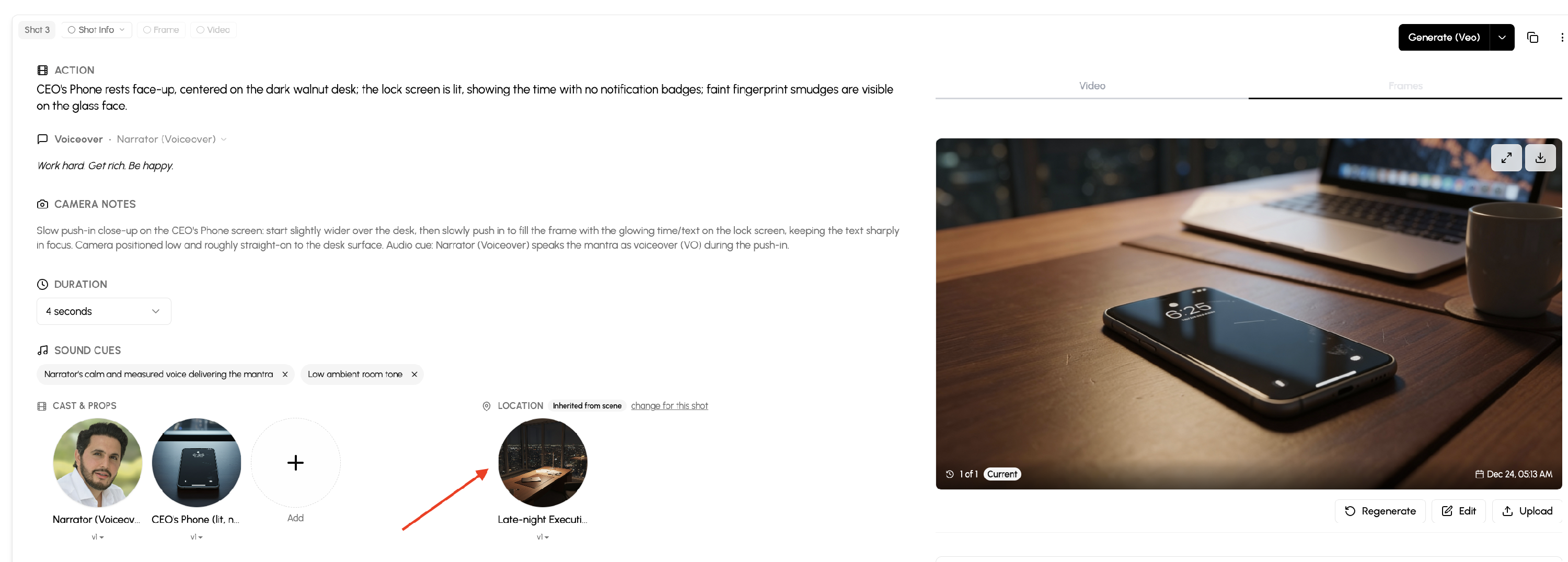
Step 2: Choose a Setting Version
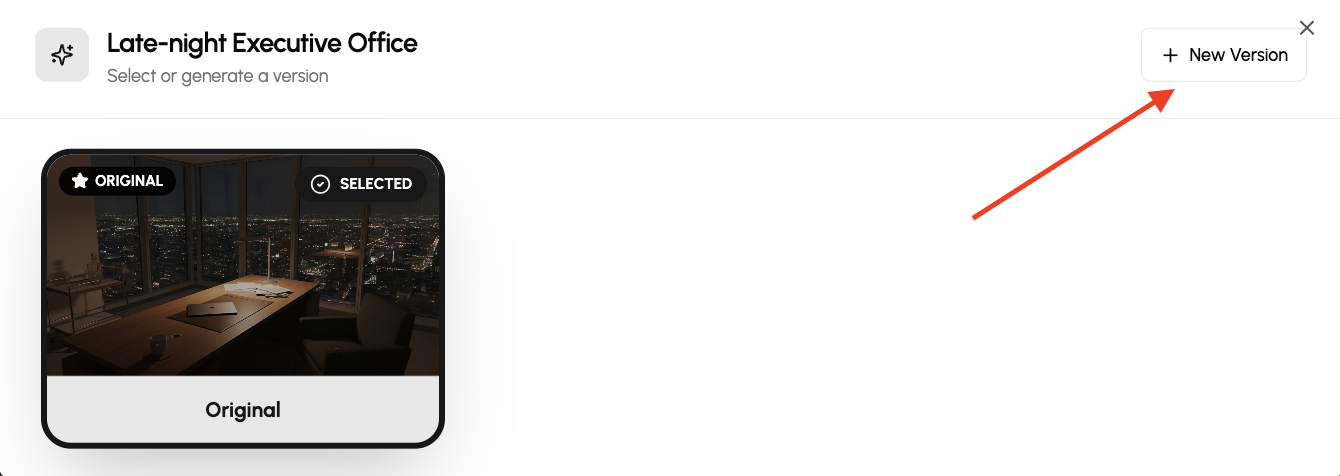
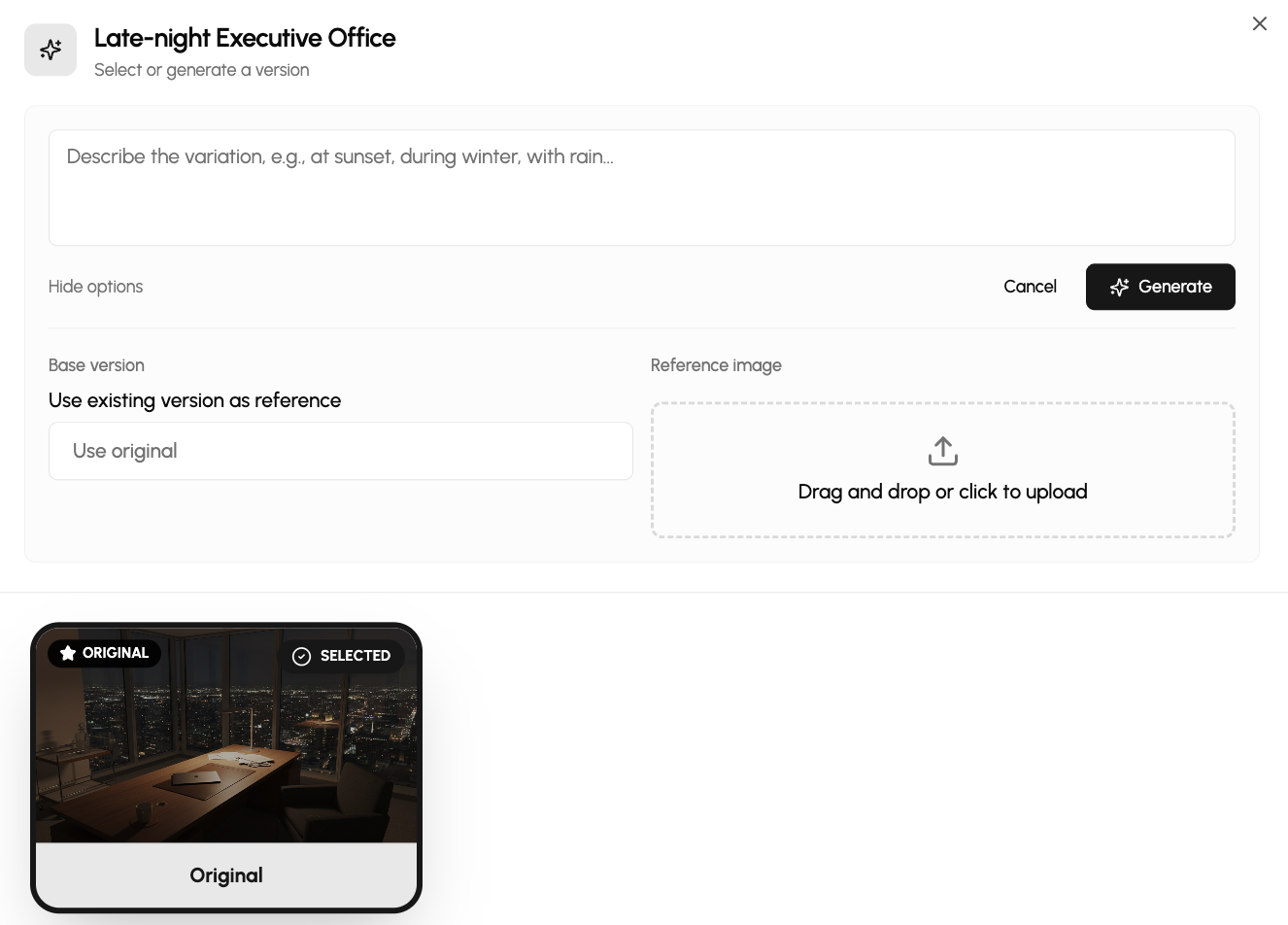
Within the shot settings, select the version you want to apply, and if you don't have a version yet, you can create one from there.
Only the selected shot will use that setting version; other shots remain unchanged.
Why This Matters
- Customize settings on a per-shot basis
- Test different variations without redoing a scene
- Maintain consistency while allowing flexibility
- Faster iteration with less rework
✅ This gives you precise control over how each shot is generated.
You may also watch a Loom video here: