
How To Download A Shot From Your Storyboard or Start Frames
Downloading a shot from your Storyboard Start Frames lets you save a video file with the audio already attached to the shot, perfect for review, sharing, easy editing, or offline use.
Steps to Download a Shot
Step 1: Go to your Storyboard inside Movie Machine.

Step 2: Locate the shot card you want to download.
Step 3: On the shot card, click the Download Video icon.
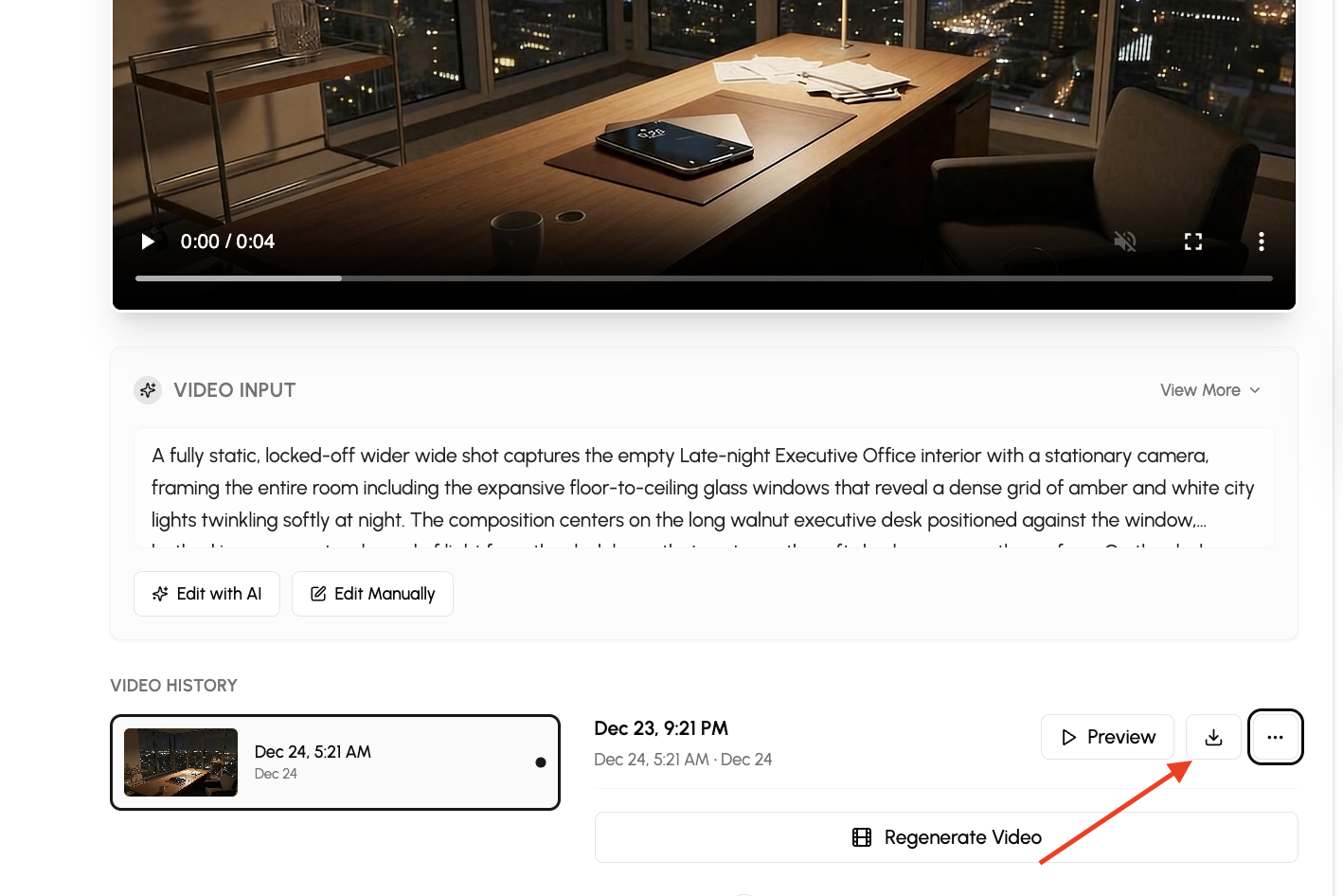
Step 4: The video will automatically download and save to your computer.
Helpful Notes
- The downloaded file includes the audio synced to the shot.
- You can repeat this process for any shot in your storyboard.
- File format and save location depend on your browser settings.