
How to Share a Movie Machine Project with Collaborators
You can share your projects on the Movie Machine with collaborators so that BEFORE you publish your movies and shows you can get help from fellow storytellers, professionals, and even get early feedback from viewers.
To share your project:
Step 1: Go to the Movie Machine at https://www.creatorwood.tv/movie-machine and click on the project you want to share
Step 2: Then in the upper-right hand corner of your project click the Share icon

Step 3: Lastly, you can choose any of these options on how you'd like to share your project.

-
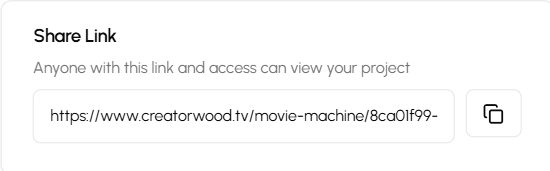
Share via Link- Anyone with this link and access can view your project
-
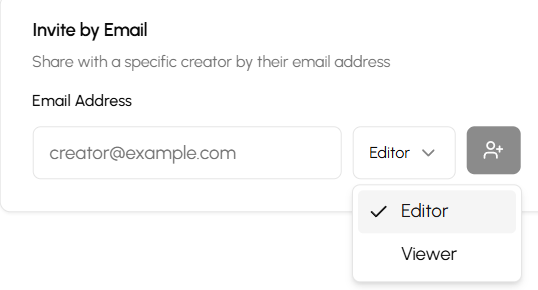
Invite via Email- Share with a specific creator by their email address. You can choose either viewer or editor.
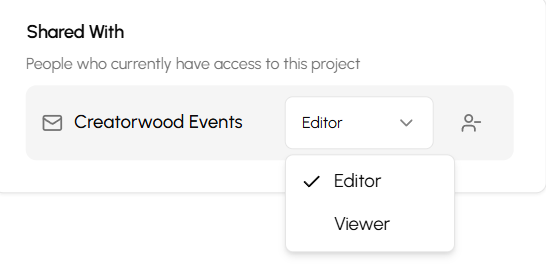
3. Invite people with Viewer permissions- People who currently have access to this project
And that's it! You can now share your project to anyone you'd like.